
Before You Scale AI Agents: 5 Lessons From Real Workflows
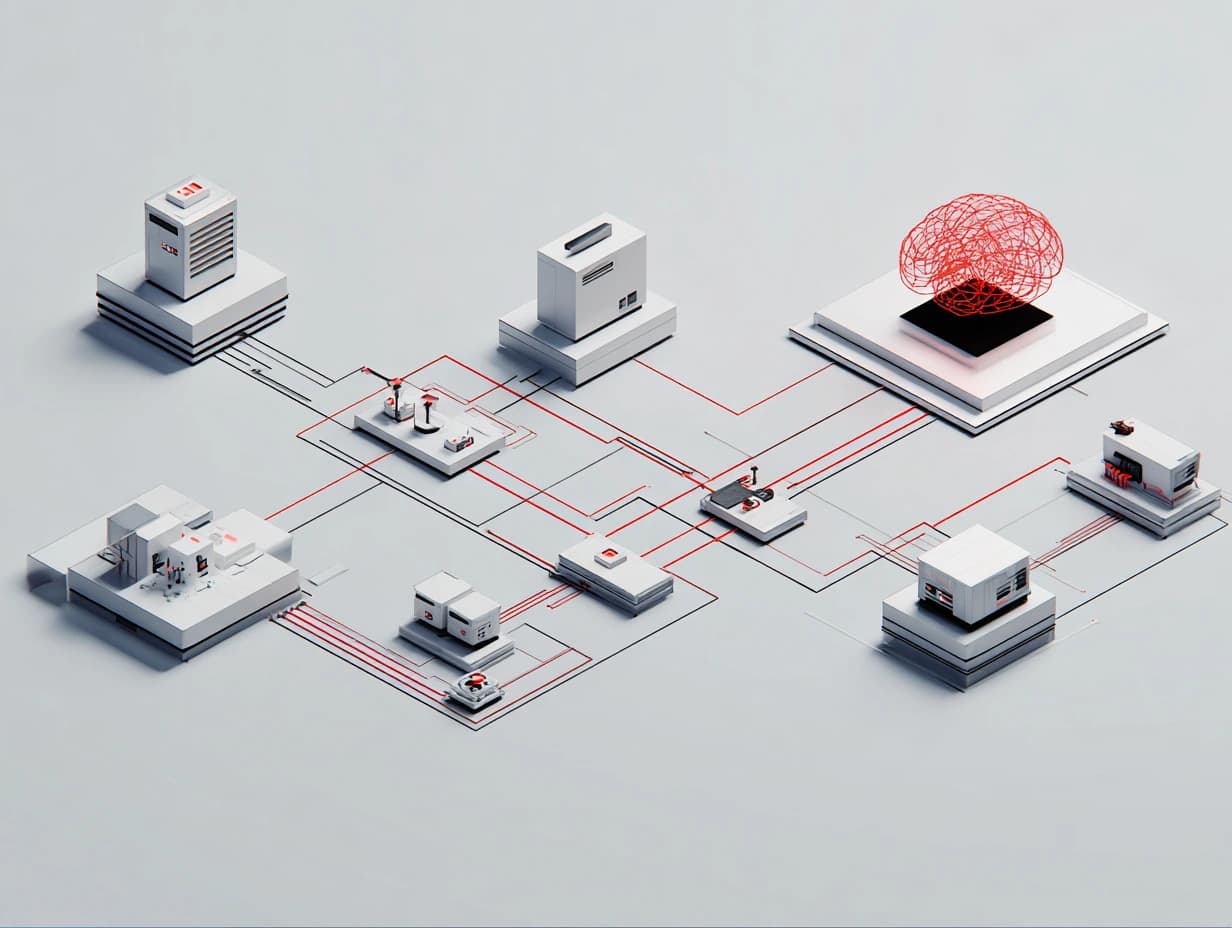
What Changes When AI Agents Enter Real Workflows
A renovation contractor took 1 to 2 weeks to prepare a quote for a customer. During that wait, customers could consider another provider.
The contractor redesigned the process as an AI agent workflow. Customers selected materials during the first conversation, and the system generated the quote before the meeting ended.
The workflow brought the quote and customer decision into the same conversation. It shows how an AI agent workflow can move a decision earlier in the customer journey.
Jonathan Chu, Operations & Delivery Lead, has worked with teams on this transition. The 5 lessons below draw from those workflows and what it took to make them work.
Executive Summary
- Hidden decisions: Define the judgment and rules the agent needs to follow.
- Workflow structure: Use the GDP framework to define the Goal, Data and Process before development.
- Guardrails: Add validation and escalation rules to stop repeated errors from spreading.
- Adoption: Start with useful workflows that teams can test before expanding automation.
- Human judgment: Use automation for repeated execution while people handle quality and exceptions.
How AI Agents Fit Into Automated Workflows
AI agents differ from other forms of automation in how they make decisions during a workflow.
Table 1. Automation, AI Agents and AI Automation
Concept | Definition | Example |
Automation | Follows predefined rules without deviation. | Receive email → save attachment → rename file → send notification |
AI Agent | Can think, decide, and act toward a goal. | Reads inbox → summarizes threads → suggests replies → flags for review |
AI Automation | Combines rules with AI-driven decisions. | Classifies email → extracts data → drafts reply → logs into CRM |
Automation follows fixed steps, while AI agents can choose actions based on the task.
What Does an AI Agent Need?
An AI agent combines 3 core components:
- Brain: The model thinks through the task and makes decisions.
- Memory: Stores information the agent may need again.
- Tools: Let the agent use services such as APIs or spreadsheets to complete a task.
Not every workflow needs memory. A chatbot may rely on previous conversations, while a structured task can work with the inputs provided for each run.
The workflow also defines which actions the agent can take.
As Jonathan Chu explains:
"The tools are easier now. The thinking is not."
5 Lessons for Scaling AI Agent Workflows
1. Codify Intuition Before You Automate
A task such as “research, write and submit” hides decisions between the visible steps. Someone still needs to define a reliable source and decide whether the output meets the required standard.
“People often make these decisions from experience. AI agents need explicit instructions.”
Teams should document each point where someone interprets information or chooses the next action. Repeated decisions need a clear rule, while unclear cases need an escalation path.
A useful test is whether a new employee could complete the workflow without asking for clarification. If they can't, the AI agent workflow still contains hidden logic.
2. Use the GDP Framework to Structure the Workflow
Once the decisions are clear, teams can structure the workflow with the GDP framework:
- Goal: Define the exact outcome using an action such as generate or notify.
- Data: Identify the available inputs, missing information and constraints.
- Process: Define how the data moves through each step.
“Generate a report” still leaves the content undefined. The workflow needs to specify what belongs in the output.
A spreadsheet workflow also needs to specify whether new data should replace an existing entry or create another one. Each action produces a different result.
“The main cost is time. You lose time when you don’t know exactly what you’re building.”
Defining the Goal, Data, and Process gives developers a clearer specification and reduces rework.
Figure 1. Applying the GDP Framework to an AI Workflow

GDP turns a workflow idea into a defined outcome, required information and ordered actions.
3. Build Guardrails Where Failures Can Enter
At higher volume, one repeated error can affect many tasks.
AI agent guardrails define what the system can do and when human review is required. In one delivery workflow, controls covered hiring, training, execution and quality control.
The same structure supported an annotator database that tracked contributor experience and accuracy over time. When a client asked how quickly a team could reach 95% accuracy, the delivery team used that history to make a data-backed projection.
Testing helped identify where controls were needed:
- Red-team testing: Introduced incomplete data, formatting errors and undefined edge cases.
- Blue-team review: Mapped where incorrect data or decisions could enter the workflow and added restrictions around those points.
A control might limit when task assignments trigger or define what happens when accuracy falls below a threshold.
New failure patterns should be reflected in the next workflow version.
Figure 2. Guardrails Across an AI Delivery Workflow

Performance and quality criteria determine how work progresses through each stage.
4. Prioritize Workflows Teams Can Adopt
Teams are more likely to adopt AI agent workflows when the first use case proves useful.
“You don’t start with the biggest problem. You start with the one you understand.”
A difficulty-impact matrix helps teams prioritize low-difficulty workflows with visible operational value.
Early use cases can organize recurring requests or summarize repeated inputs. The people doing the work should help define its exceptions.
Once a workflow runs reliably and saves measurable time, teams have stronger evidence for expanding AI automation.
Figure 4. Prioritizing AI Workflows by Difficulty and Impact
The matrix separates quick wins from workflows that require more effort or offer less value.

5. Move Human Work Toward Judgment
Automation can handle repetitive execution, while people define quality and review cases that require judgment.
A Retrieval-Augmented Generation (RAG) tool helped annotators find answers inside long instruction documents without escalating every question. Supervisors could focus on cases that the documentation couldn't resolve.
Instead of correcting individual outputs, teams can trace recurring issues to the workflow and update the underlying rule.
Who Owns the Workflow After Launch?
Jonathan Chu’s delivery experience shows that production ownership becomes important once workflow rules begin to change.
Production cases can expose rules that need adjustment. Changes to thresholds or validation logic can affect every task that follows, so teams need to know who can approve them and which version is running.
This gives operations and delivery teams a specific role in AI workflow governance. They track how the process behaves in real conditions and decide when a production rule needs to change.
Versioned rules made changes traceable, while defined approval paths helped teams adjust production logic without losing accountability.
Scaling AI Agents: What Enterprise Teams Need to Evaluate
Scaling an AI agent workflow changes how enterprise teams manage quality and production risk.
- Consistency matters across runs: Variable results can make delivery harder to predict as volume increases.
- Failures need to be traceable: Teams should be able to locate where an error entered the process before it affects more work.
- Production changes need control: Rule changes should follow an approval process so teams know which version produced each result.
- Expansion needs evidence: Higher volume should follow tested performance under realistic conditions.
These requirements affect capacity planning and production governance. They also shape the cost of review and recovery as volume increases.
Before You Scale an AI Agent Workflow
Use these checks to decide whether the workflow is ready for higher volume:
- Are the decisions documented? The workflow should not depend on unwritten judgment.
- Are the inputs and outputs defined? Teams should know what enters the workflow and what it must produce.
- Are exceptions routed correctly? Cases outside the normal path need a defined response.
- Can failures be contained? Controls should prevent errors from spreading.
- Has the workflow been tested under variation? Include missing data and edge cases.
- Are production changes controlled? Define who can approve updates and keep each version traceable.
From AI Agent Pilots to Repeatable Operations
Scaling AI agents requires evidence that the workflow can handle more volume without creating more review or recovery work.
Chemin approaches this by turning operational requirements into testable workflow logic, then using real delivery cases to identify where those rules need adjustment.
For enterprise teams, this provides a clearer basis for deciding when an AI agent workflow is ready to expand.
Use production cases to improve your AI agent
Discover more

GPT-4o-mini vs SEA-LIONv3: Bahasa Indonesia LLM Evaluation
A 50-task study tested Indonesian-specific prompts in English and Bahasa Indonesia to examine how model preferences varied across local-context tasks.
What Is Data Labeling? A Comprehensive Guide
Without properly labeled data, ML models struggle to understand key features, leading to unreliable results. This guide explores what data labeling is, how it works, different approaches, best practices, and its real-world applications.
SEA-LIONv3 vs SahabatAI-v1: Bahasa Indonesia LLM Evaluation
SEA-LIONv3 and SahabatAI-v1 were tested on 50 Indonesian-specific tasks to examine how model preferences changed across task categories and prompt languages.