
Paired-Image Annotation for Generative AI: Clearing a 98% Acceptance Bar
98%
client acceptance threshold
5px
bounding box error tolerance
70+
annotations per paired image

USE CASE
Paired-image Comparison Annotation | Bounding-box Correction | Visual Difference Description

INDUSTRY
Generative AI | Computer Vision

SOLUTION
Data Annotation
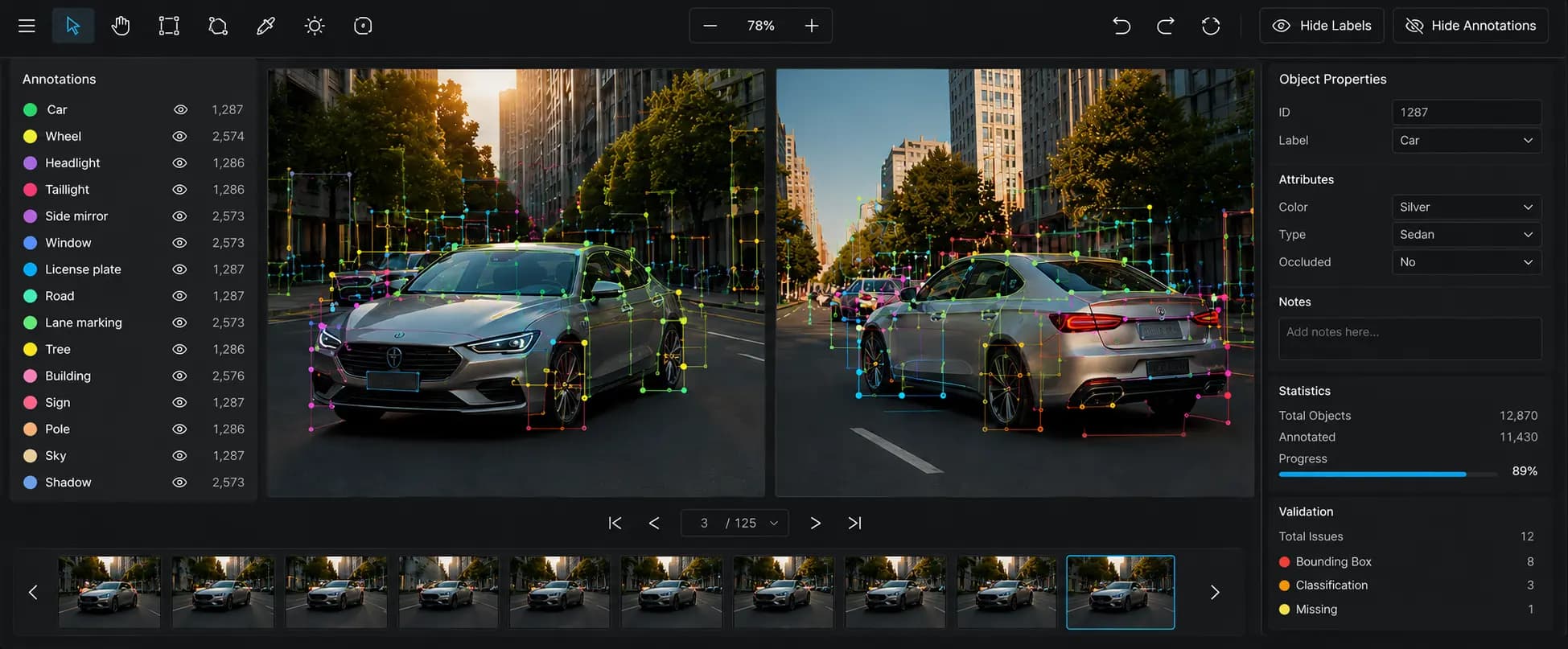
The mission: Clear a 98% bar on dense paired-image data
A generative AI client needed consistent paired-image annotation to produce reliable training data for model development at scale. We delivered the first project with our own team over 10 days in March 2026.
The work: Turning image pairs into usable training data
Each task placed two versions of the same scene side by side. One pair could carry more than 70 labels.
The labeling ran in three steps:
- Draw bounding boxes: Each visible element was enclosed with a tight bounding box, meeting the client's 5-pixel tolerance.
- Group corresponding objects: Matching elements across both images were linked together, even when they had moved, changed orientation, or were partially obscured.
- Assign one dominant difference prompt: Every matched group received a single prompt describing its most significant visual difference, selected from 10 predefined categories.
Figure 1. Paired-image object matching, recreated for illustration.

Corresponding objects are matched across both images before a single dominant difference is assigned.
Assigning the dominant difference required the most judgment. A matched pair could differ in color, angle, size, and lighting simultaneously. Across that many labels, time became the main constraint.
The challenge: Density and tool friction
We prioritized establishing a consistent annotation approach before optimizing speed. Early batches took longer because the team aligned on how to apply the client's guidelines rather than cutting corners.
Figure 2. Annotation density in visually similar scenes, recreated for illustration.

Similar-looking scenes can require vastly different annotation effort because every visible object must be annotated individually.
Key pressure points:
- Object count: A plain landscape could hold dozens of separate objects, and each one needed its own box. The object count set the pace, however simple the image looked.
- A rough tool: The software drew every box in one color, had no undo, and split the view across two poorly labeled tabs. Each gap forced a manual workaround.
- Precision at volume: Every box had to meet the same tight standard, including on hair, reflections, and see-through objects, held steady across thousands of boxes.
The delivery system: Holding the standard across every batch
We designed the delivery process to maintain consistent annotation decisions as volume increased. Each feedback cycle reduced ambiguity, making later batches easier to review and helping the client receive training data.
- Start with a pilot: We validated our interpretation of the client's guidelines on 10 tasks before scaling, preventing incorrect decisions from spreading across the dataset.
- Submit in small batches: We reviewed each batch before starting the next, allowing corrections to carry forward rather than repeating them across the project.
- Keep a question log: Every edge case and its resolution were documented, providing the team with a single shared reference for future decisions.
- Review client feedback together: After each feedback round, we compared our decisions with the client's and agreed on a single interpretation before the next batch.
The rework: Turning feedback into a shared standard
The client marked up our work with pins and notes, then gave us a window to fix it. The first round showed a clear pattern:
- Background objects missed.
- Matching objects left ungrouped.
- Each image labeled on its own, instead of one label for the pair.
- Angle changes left out.
We tightened inaccurate boxes, corrected object grouping, and reduced every prompt to the single dominant difference. As feedback accumulated, revisions became smaller, and annotation speed became more predictable.
The client also set pacing rules to keep the work moving:
- Skip the densest images: An image could be dropped when its object count ran too high to be worth labeling, which removed 18 of the 150 tasks.
- Cap the detail: Labeling stopped at two levels, a car's outline and its main parts like doors, mirrors, and tires, but not the smaller trim.
The results: Cleared the bar, expanded the work
The first project cleared the client's 98% acceptance bar, qualifying Chemin as a vendor on the first engagement. Of the 150 tasks, 132 were completed. The remaining 18 were skipped under the client's complexity rules, not because of quality.
Consistent annotation mattered because every label became part of the client's training data. Keeping annotation decisions consistent across the dataset gave the client a repeatable process that could scale to larger datasets without sacrificing quality.
Built for the density that generative AI demands
We calibrate to your acceptance bar before scaling, then keep the standard throughout every batch.
More stories
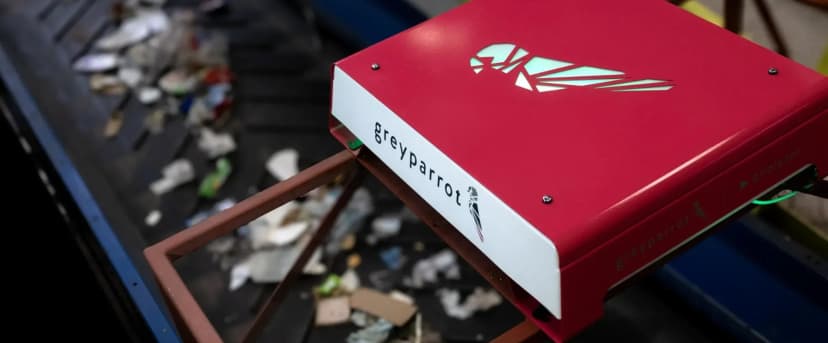
Turning mission-critical data into waste intelligence
Accelerated waste recognition AI by delivering 1 million high-accuracy, compliance-ready annotations monthly through expert-driven workflows and rapid data turnaround.

Audio AI Annotation for a Premier Gaming Studio: Scaled Output by 294%
Prepared 629.5 hours of conversational audio in 30 days while maintaining 99% accuracy and zero rework.
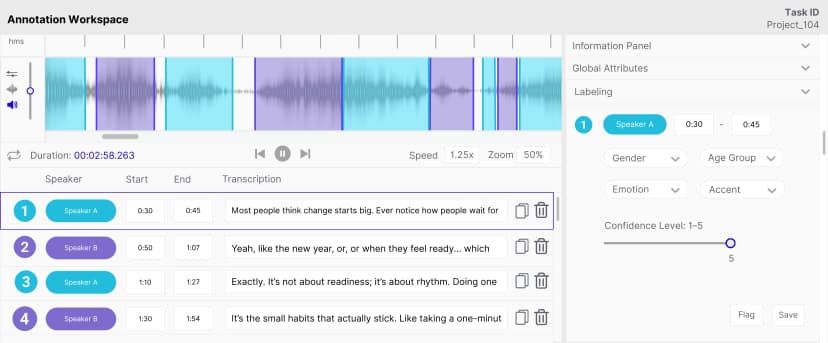
Gaming Audio Annotation: Structuring Speech Cues at 95%+ Accuracy
Turned emotion, accent, demographic, and speech cues into structured training data for adaptive game AI.